

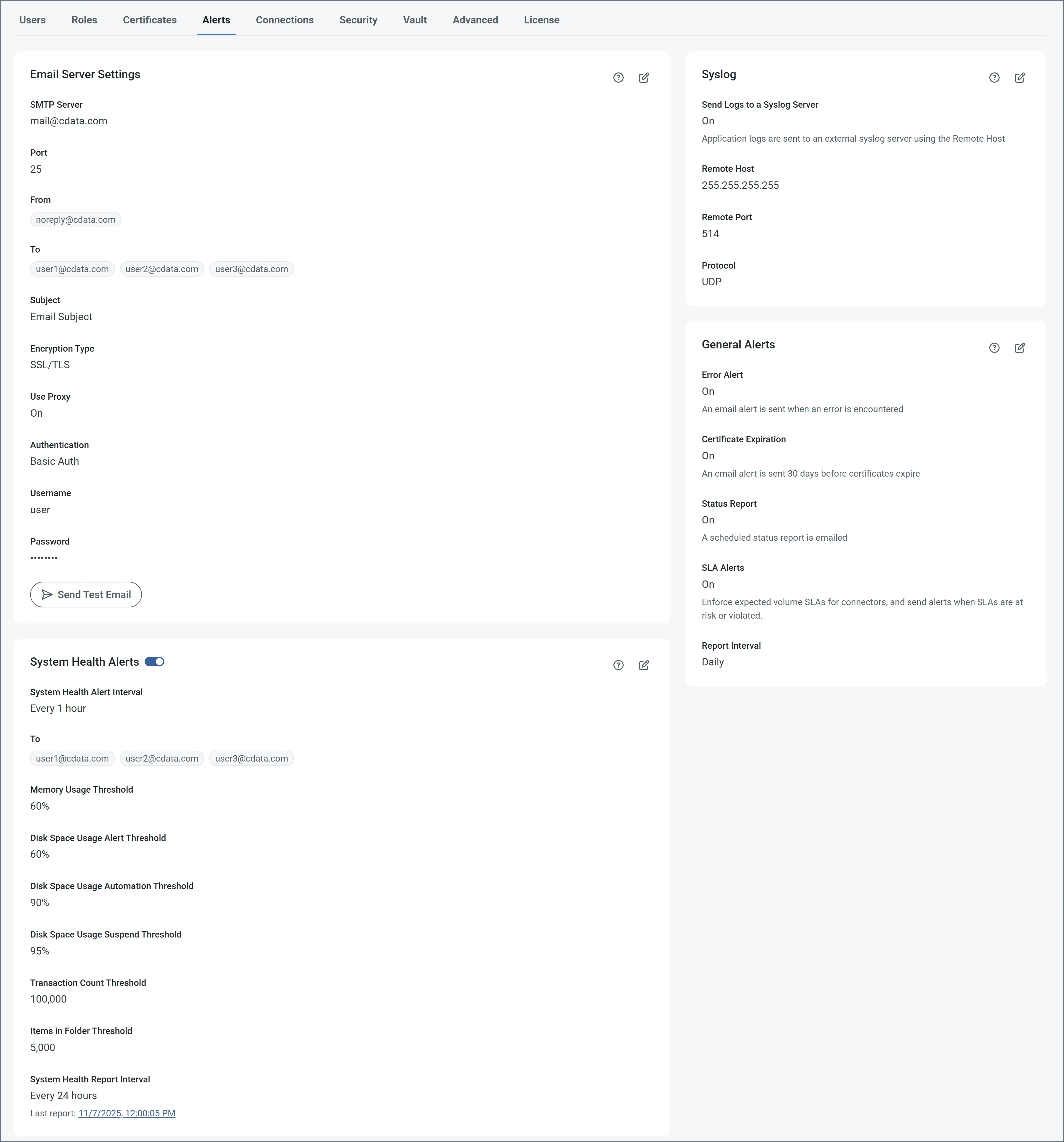
- Click Configure in the Email Settings portion of the page to enable email alerts or status reports. Complete the Email Server Settings fields to configure the email recipients, subject lines, and SMTP authentication options.
- System Health Alerts enables you to specify system-related alerting options, including alert intervals, report intervals, and several system threshold settings.
- Syslog Settings contains options for sending application logs to an external Syslog server. If you enable this option, use the fields to specify the remote host connection settings.
- General Alerts enables you to toggle alerting options, including sending emails about errors and status reports. If you use the .NET edition, you can also choose to log error messages to the Windows Application Event log.
 icon.
icon.