- HTTP
- Servers
Profile Configuration
The Profiles page is divided into two sections: HTTP and Servers. HTTP includes profiles for connectors that send and receive traffic over the HTTP protocol. Servers contains profiles for connectors that send and receive traffic over a different protocol (for example, SFTP Server uses the SSH protocol).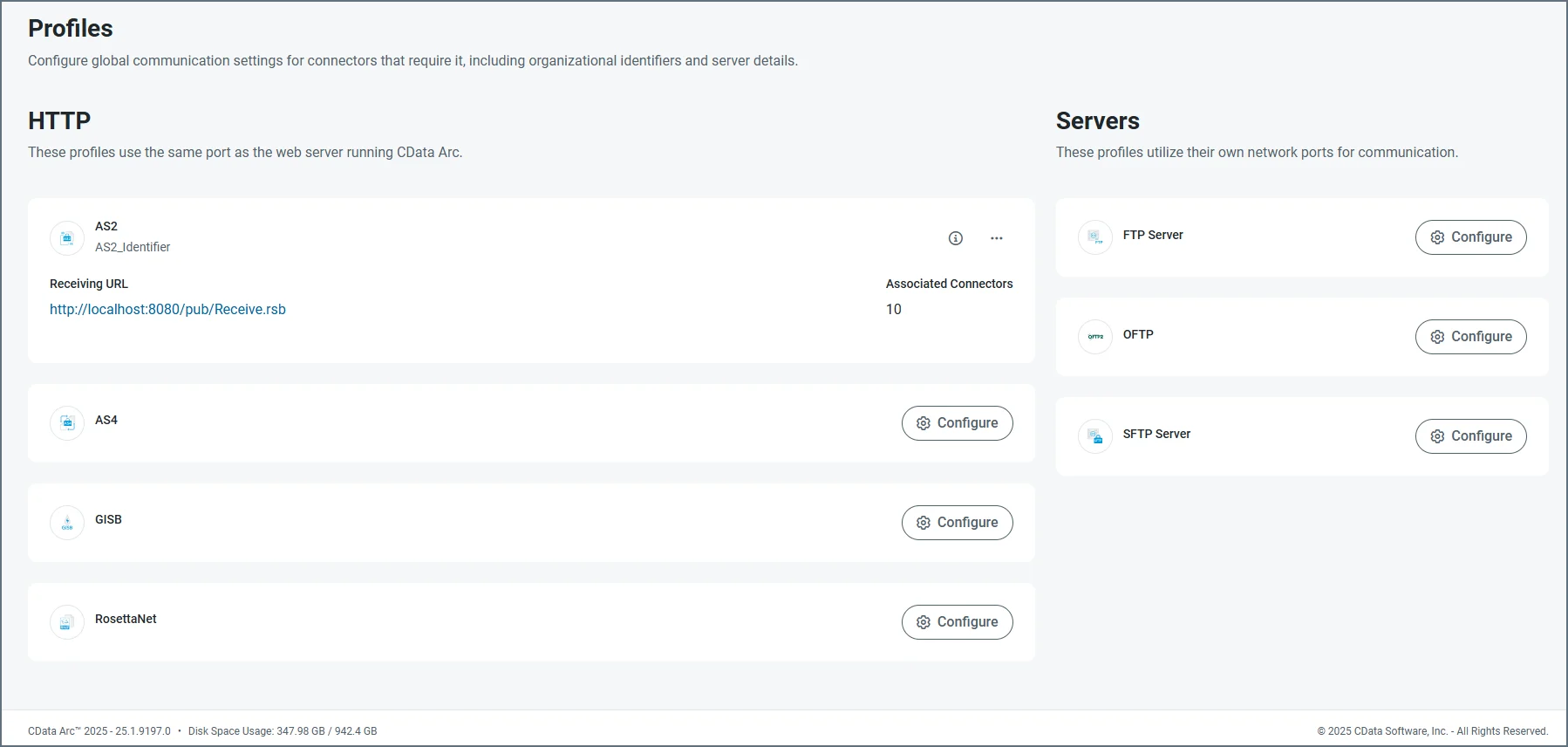
-
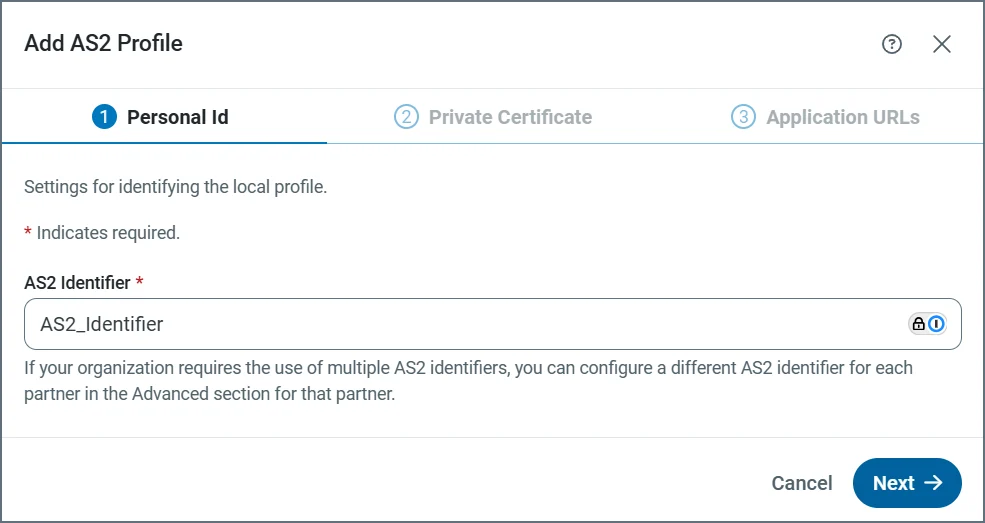
Provide the AS2 identifier.
-
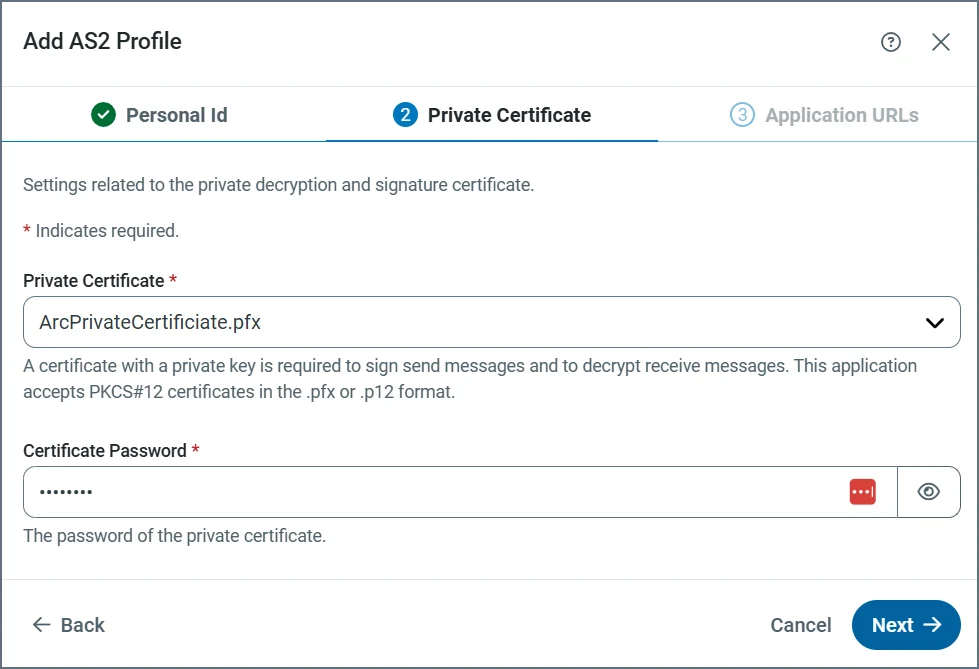
Define the private certificate.
-
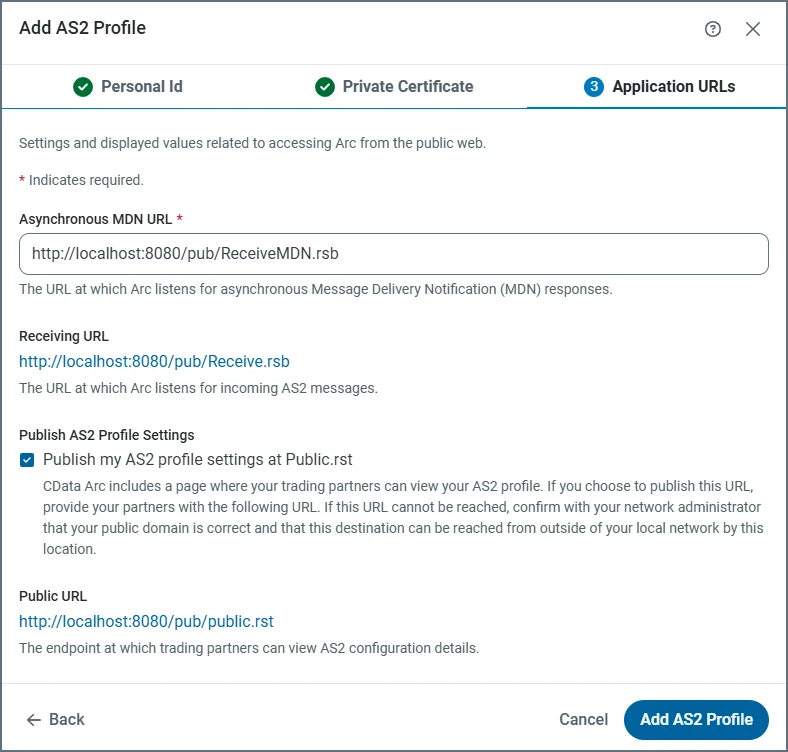
Define the application URLs.
Profile Details
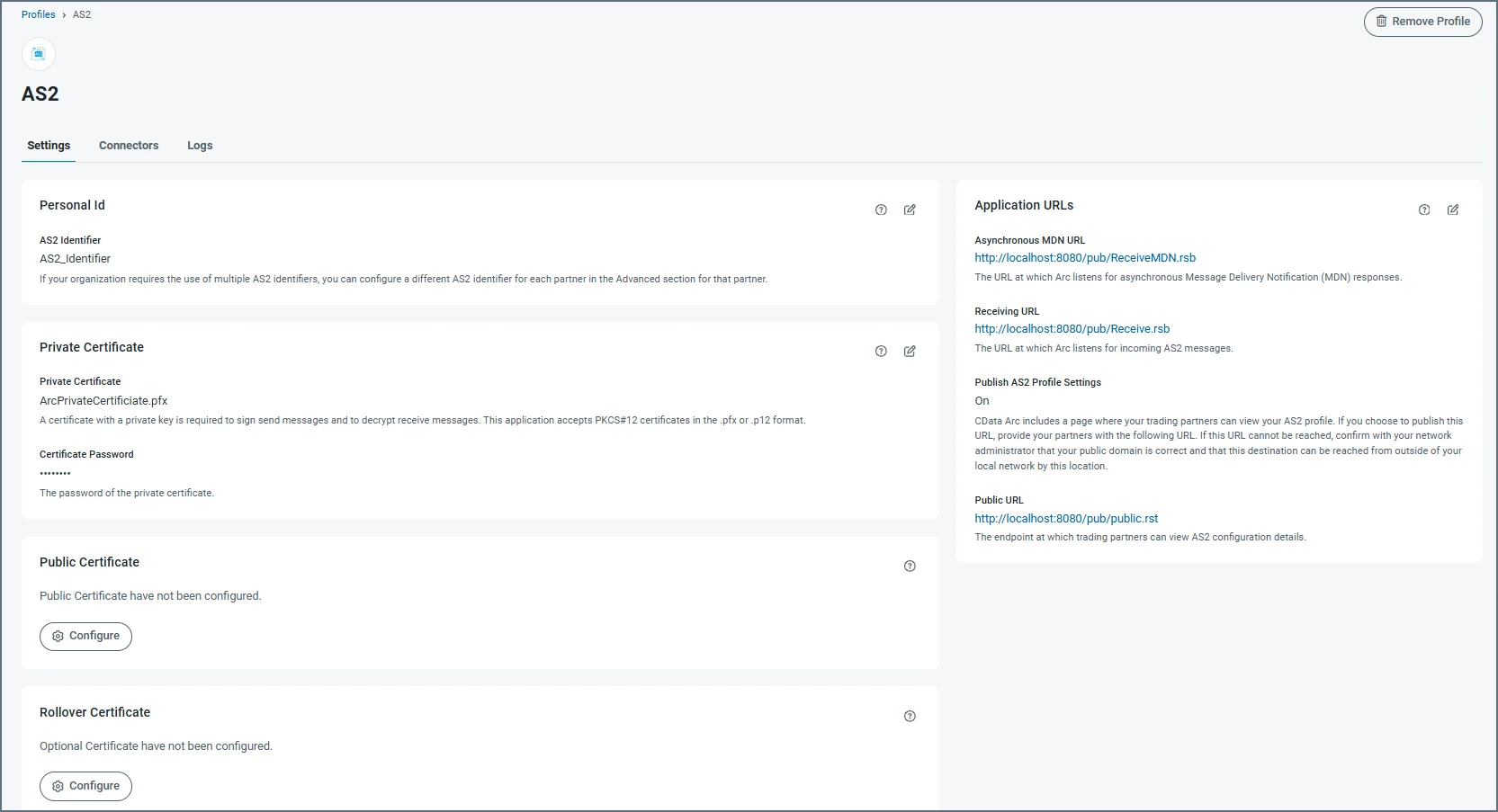
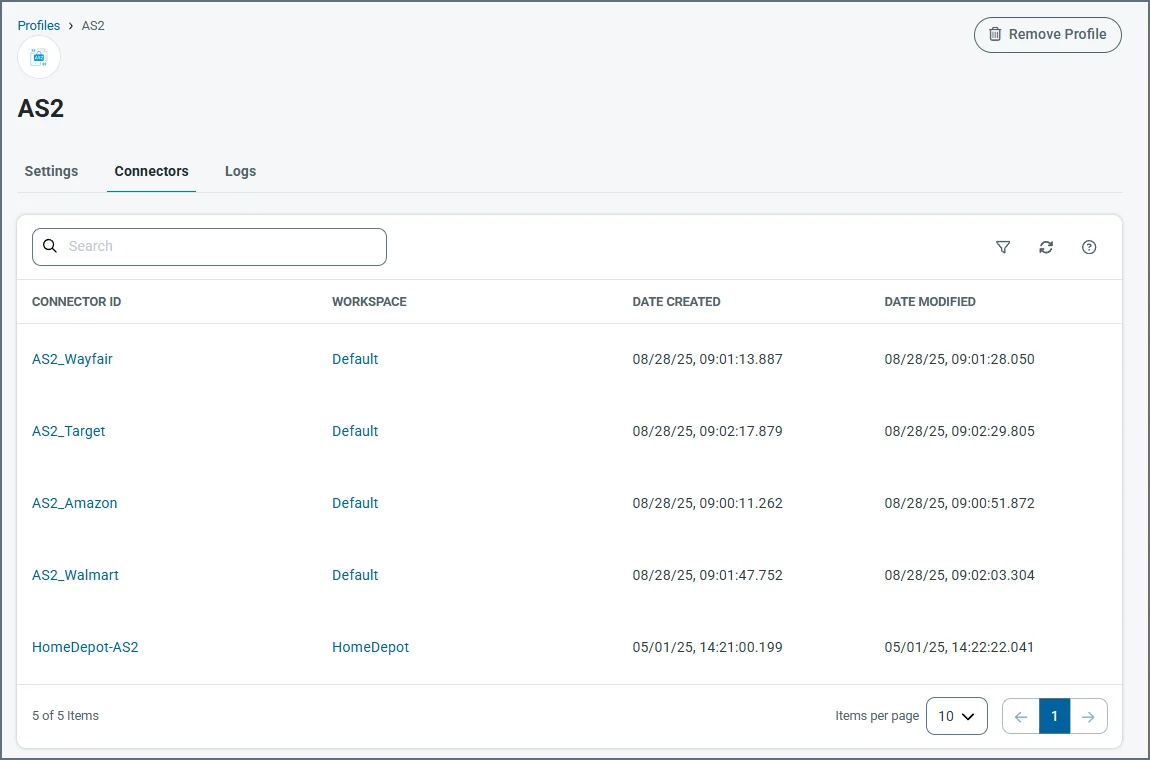
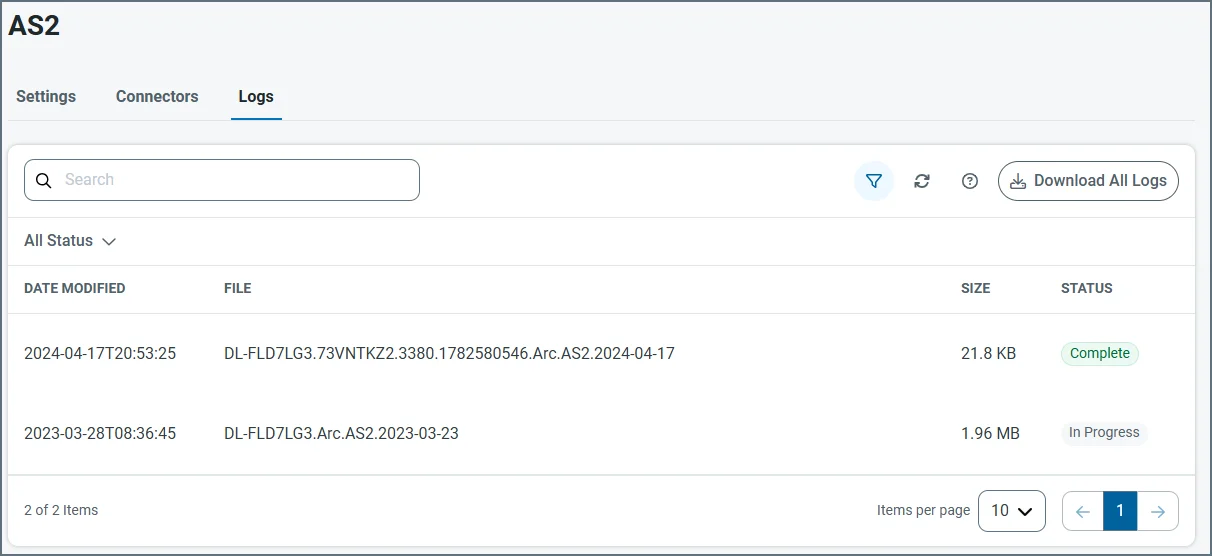
To view the details of a profile, click the ellipses on its card and choose Edit. Each profile has tabs for Settings, Connectors, and Logs. The following image uses the AS2 connector, but the principles are the same for each profile. The Settings tab contains all of the profile settings, separated into cards. Each card displays details about the specific settings, and a summary of what they are used for. Click the tablet and pencil icon to edit the values of any card. Use the question mark icon to open the documentation for that setting, or the trash icon to delete that setting’s value.