

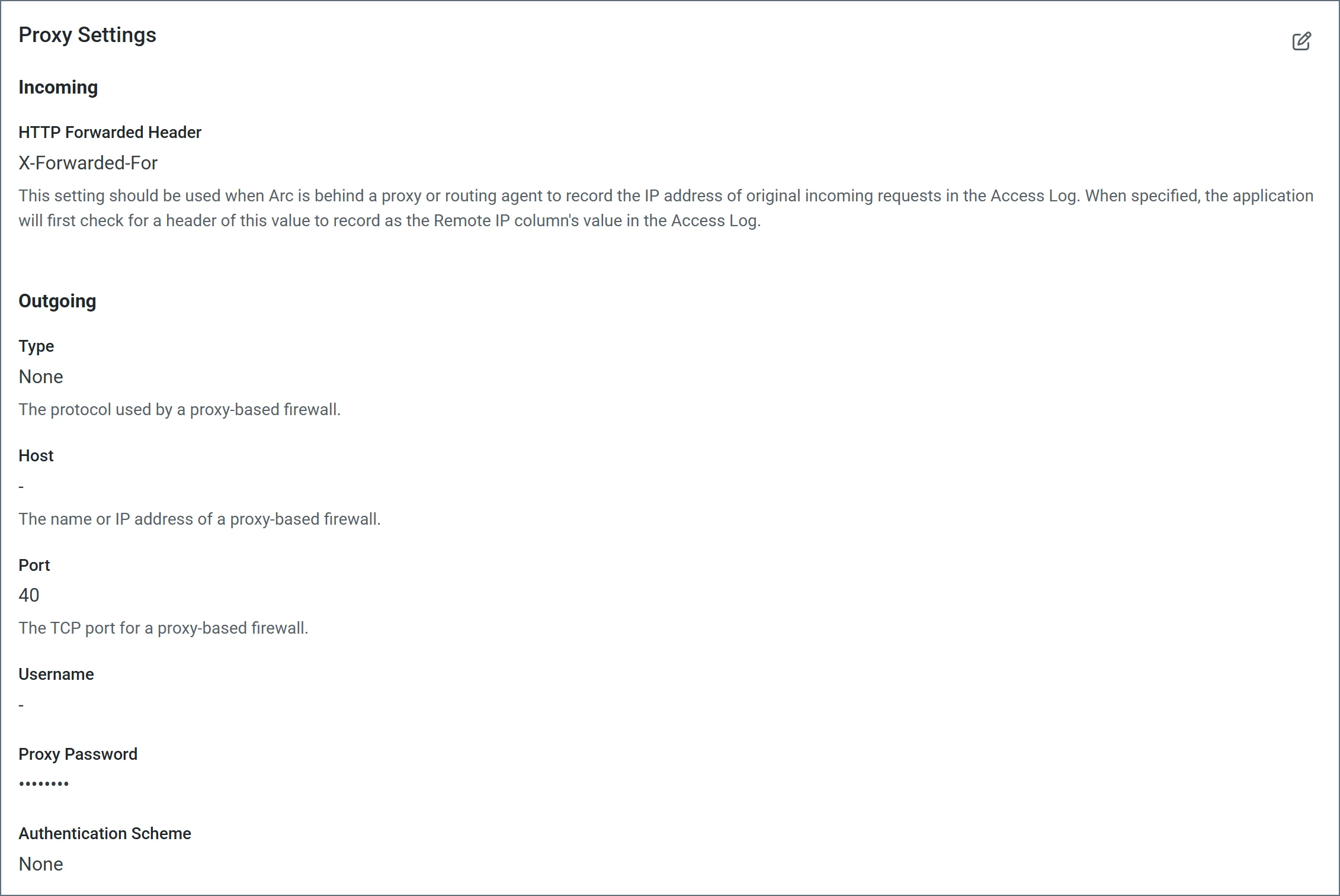
Incoming Proxy Settings
| Setting | Description |
|---|---|
| HTTP Forwarded Header | Use this when Arc is behind a proxy or routing agent to record the IP address of original incoming requests in the access log. When specified, the application first checks for a header with this value to record as the remote IP column’s value in the log. |
Outgoing Proxy Settings
| Setting | Description |
|---|---|
| Proxy Type | The protocol used by a proxy-based firewall. |
| Proxy Host | The name or IP address of a proxy-based firewall. |
| Proxy Port | The TCP port for a proxy-based firewall. |
| Proxy User | The user name to use to authenticate with a proxy-based firewall. |
| Proxy Password | A password used to authenticate to a proxy-based firewall. |
| Authentication Scheme | Leave the default None or choose from one of the following authentication schemes: Basic, Digest, Proprietary, or NTLM. |