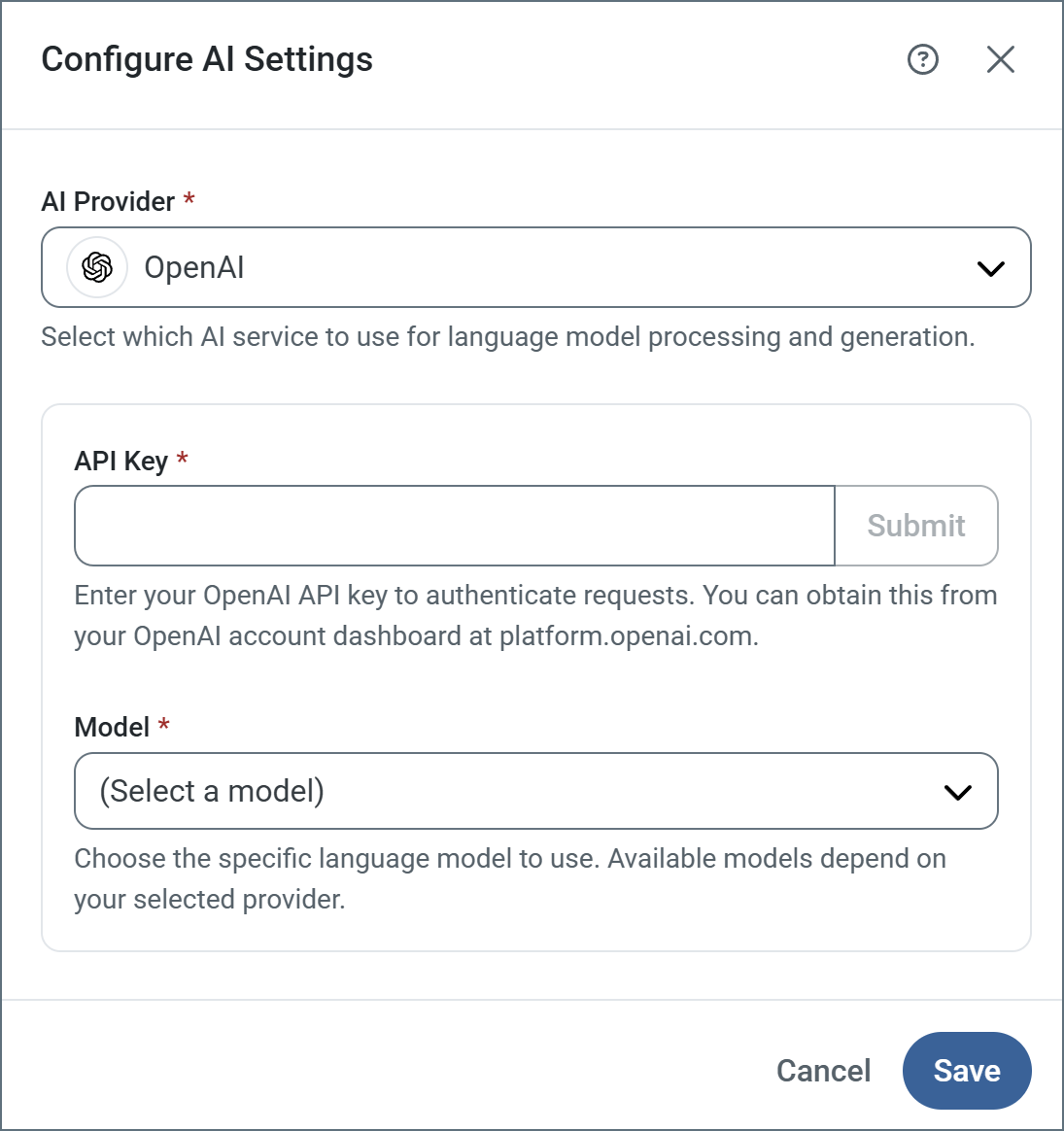
How to configure AI provider settings for AI features in CData Arc.
This section contains the configuration options that control the behavior of Arc‘s in-product AI features. To connect an external AI client to this Arc instance, see Remote MCP Server. You can also use the configured provider to diagnose transaction errors from the Activity page.Click Configure to open the Configure AI Settings pane.
Setting
Description
AI Provider
Choose your AI provider from the list. The supported providers are Claude, DeepSeek, Gemini, Grok, Ollama (cloud and local), OpenAI, and OpenAI Compatible. The following settings vary based on your choice of provider.
API Key
Enter your API key to authenticate requests (all providers except Ollama local).
Base URL
Specify the endpoint URL where your Ollama (Local) or OpenAI Compatible service is running (for example, http://localhost:11434).
Model
Choose the specific language model to use. Available models depend on your provider.
Not all open source models support the ability to set a JSON schema to use for the response that Arc requires. Ensure the Model you choose has that capability.
An AI provider is also required to analyze the worker pool with the Analyze Worker Pool button in Performance Settings. The button is disabled until you configure a provider.
Assistant
Responses are generated using AI and may contain mistakes.