

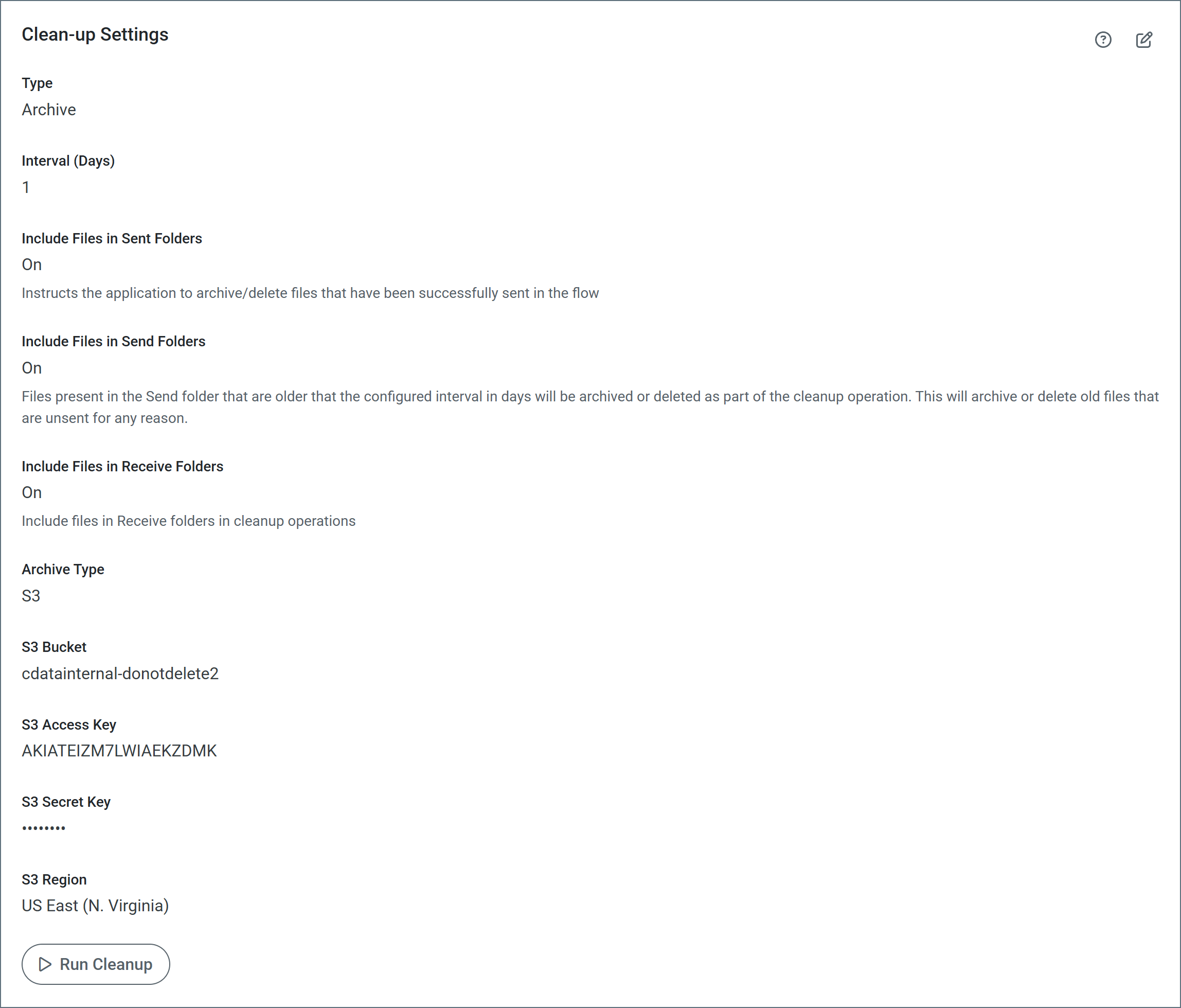
Include files in Send folders
When a large number of files accumulate in connector Send folders, the performance of the application can suffer. These files can accumulate for various reasons, including:- A connector exceeds the maximum number of retries for a message and no error path is configured for that connector.
- The Send folder for a connector was overridden in a legacy version of Arc and pointed at a shared folder that the application could not clean up. The ability to change the Send folder and apply Send Filters is deprecated in current versions of Arc. You should use error paths instead.
If you enable this feature, ensure that your connectors process files in the Send folder on a shorter interval than the cleanup interval you specify on this page. Otherwise, the application might clean up the files in the Send folder before the connectors can process them.