- Today
- Past 24 hours
- Past 3 days
- Past 7 days
- Past 30 days
- Past 3 months
- Past 12 months
The time periods shown vary based on your cleanup interval settings, so you might not see all of the time periods listed above.
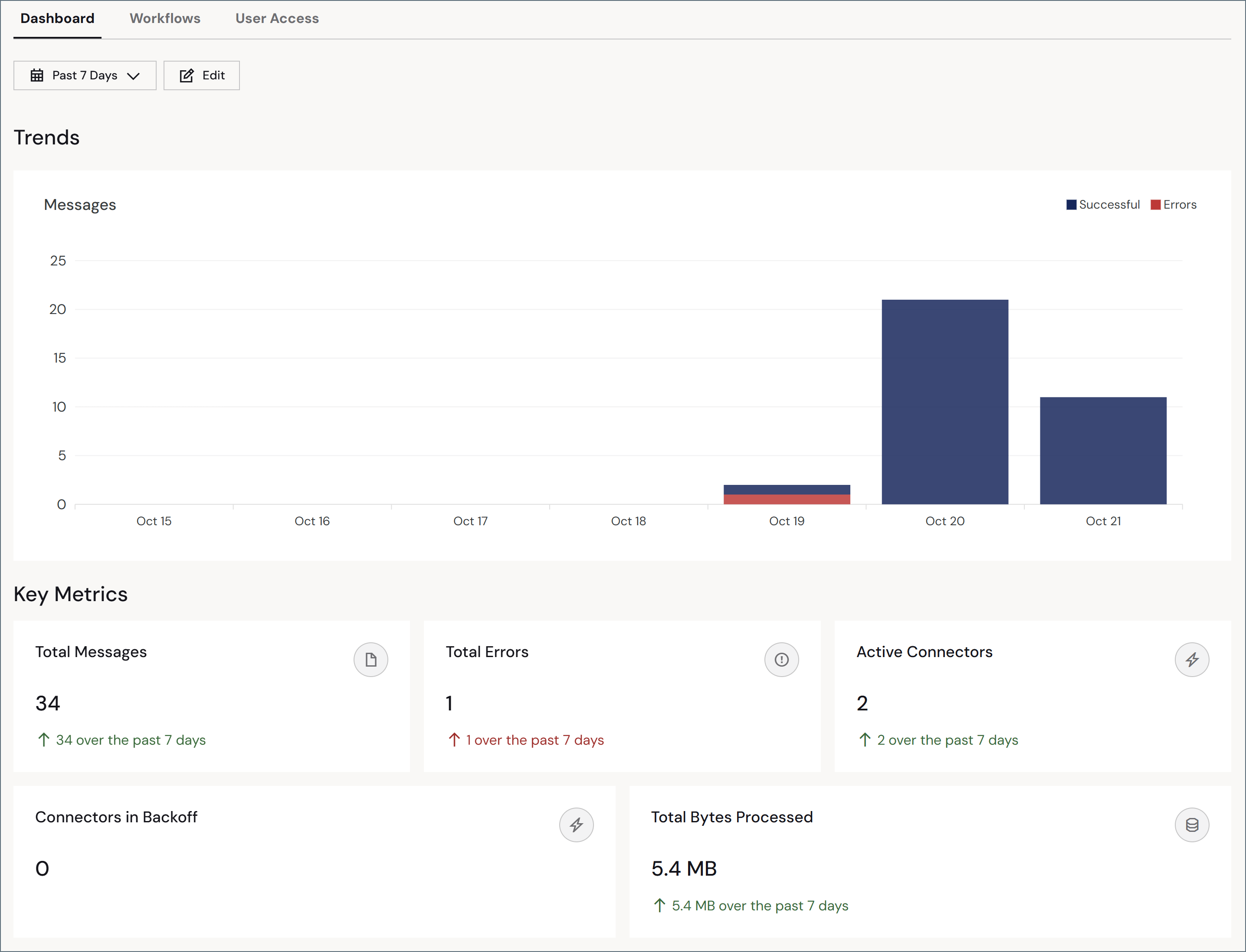
Trends
The Trends section displays a stacked bar chart of daily message counts over your selected time period, with successful messages in dark blue and errors in red.Key Metrics
You can display between two and eight metrics that provide a view into your TPMC partner’s health, volume, and usage. To pick your metrics, click the Edit button, then click the Edit link in the Key Metrics section. Choose from the following list:- Total Messages
- Total Transactions
- Total Transactions Sent
- Total Transactions Received
- Total MFT Transactions
- Total EDI Messages
- Total Errors
- Total Send Errors
- Total Receive Errors
- Total Connectors
- Active Connectors
- Connectors in Backoff
- Total Workspaces
- Active Workspaces
- Total Bytes Processed
- Average Bytes Processed
- Average Processing Time
- Success Rate
- Failure Rate
- SLA Violations
- At Risk SLAs
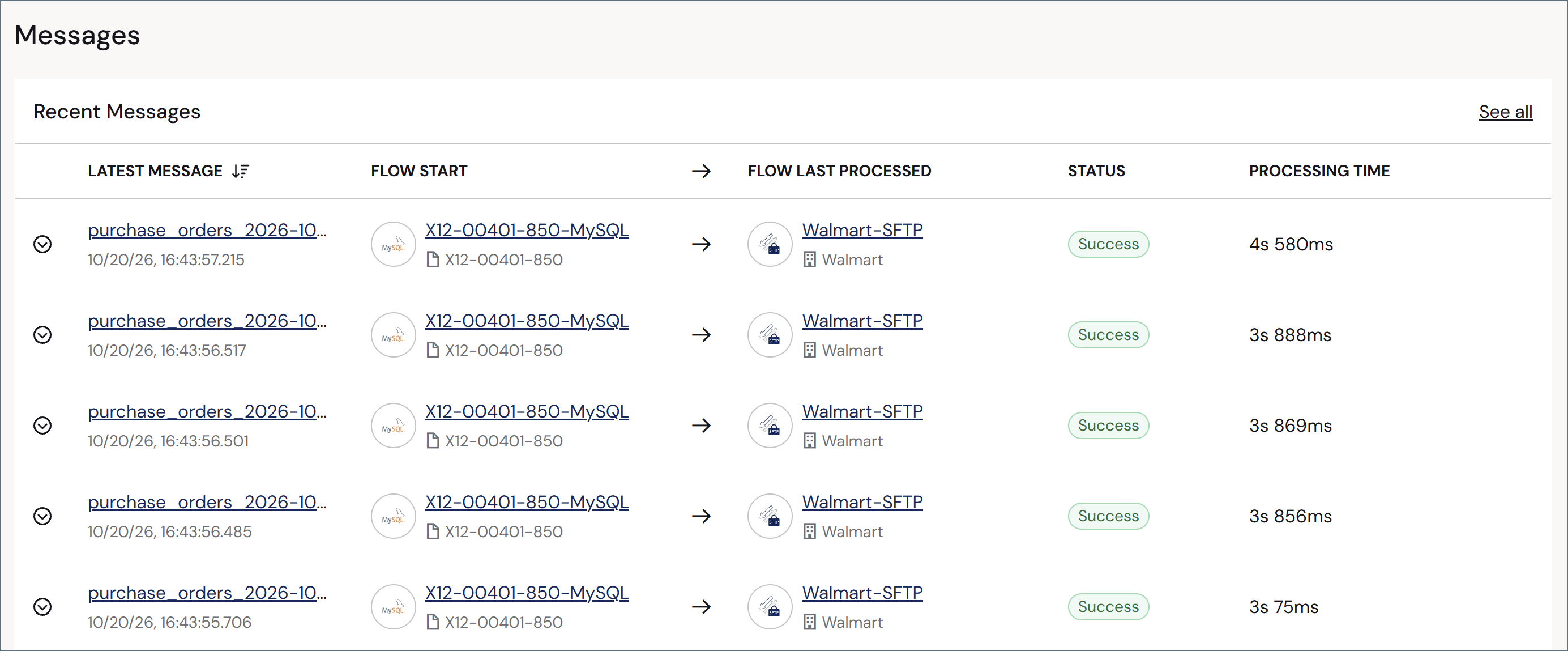
Recent Messages