> ## Documentation Index
> Fetch the complete documentation index at: https://docs.arc.cdata.com/llms.txt
> Use this file to discover all available pages before exploring further.
# Migration
> How to import and export your full CData Arc application data and settings.
export const cloudEnv = false;
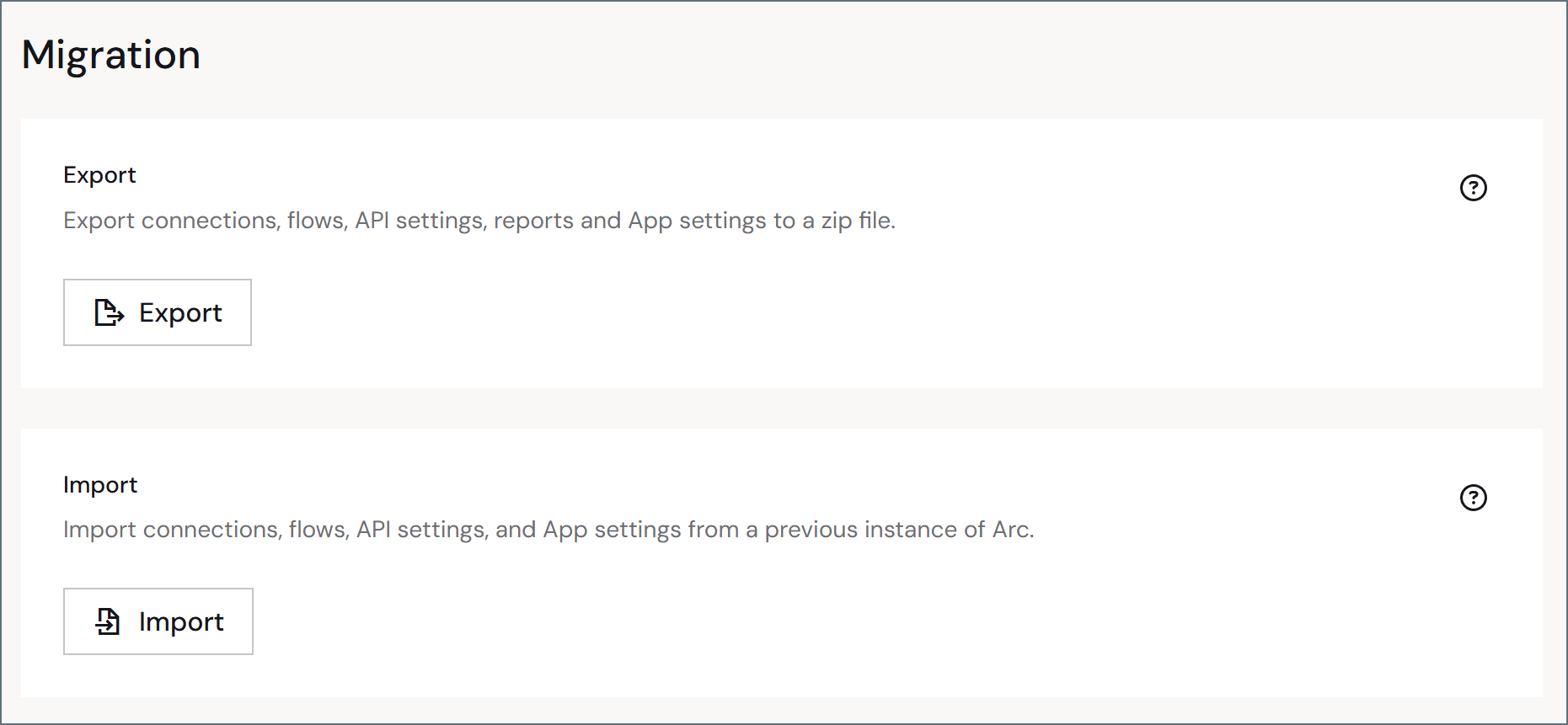
The **Migration** portion of the **Advanced** page enables you to perform a full {cloudEnv ? "import or export" : "import, export, or migration"} of your application, including all of the global application data and settings.
{cloudEnv ? (
 ) : (
) : (
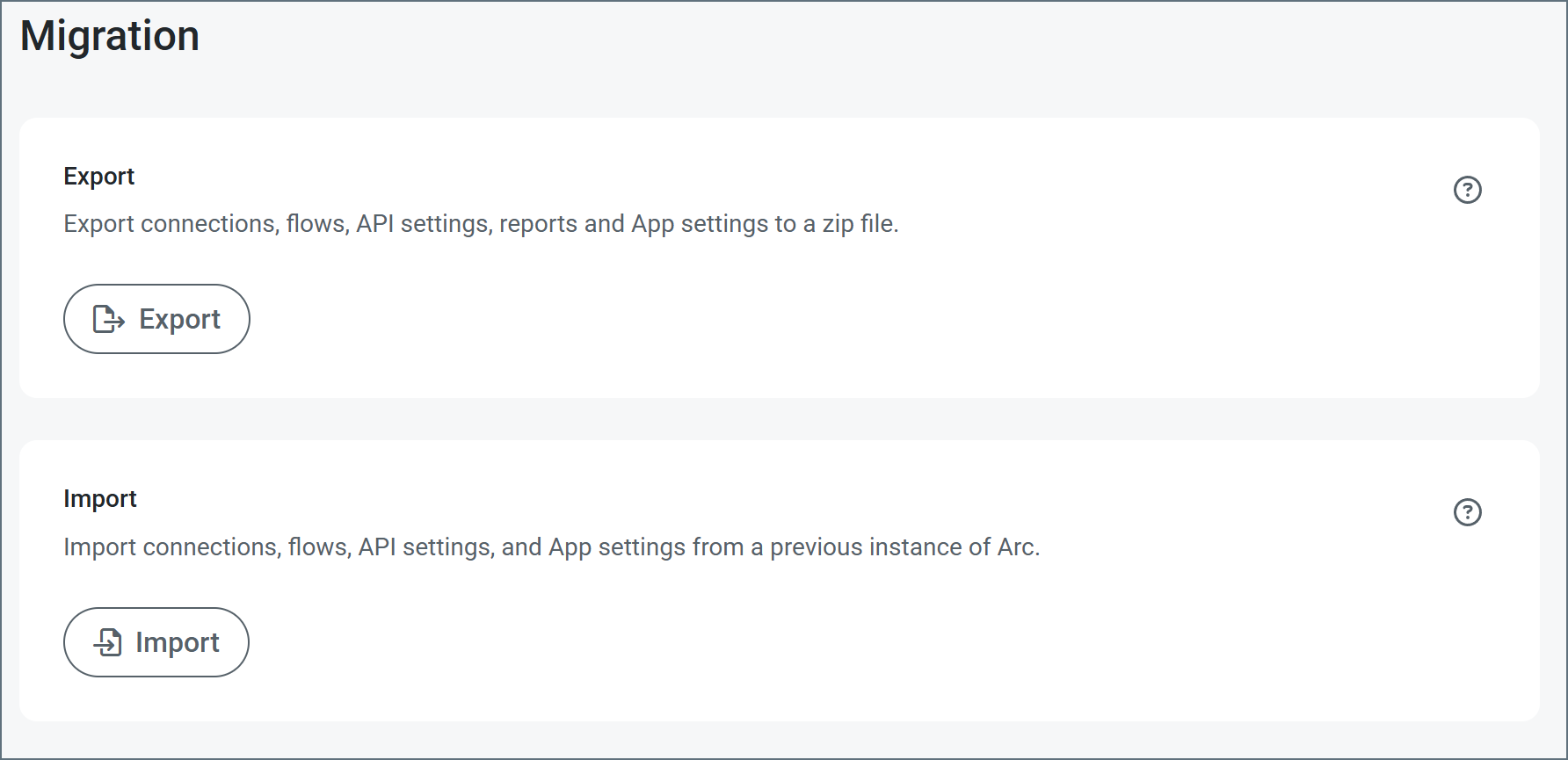 )}
Use the **Export** button to export global application data. Doing so exports your data in an ARC file (`.arc` extension). This file type stores global application data such as multiple workspaces and settings as well as users, roles, reports, and other global data.
In a similar way, you can import application data by using the **Import** button to import an ARC file.
For details about how to use the **Migration** settings to import or export your application, see [Importing and Exporting](../importing-exporting-flows).
To migrate your application from the embedded database to an external database, use the [Application Database Migration](./app-db-migration) utility.
)}
Use the **Export** button to export global application data. Doing so exports your data in an ARC file (`.arc` extension). This file type stores global application data such as multiple workspaces and settings as well as users, roles, reports, and other global data.
In a similar way, you can import application data by using the **Import** button to import an ARC file.
For details about how to use the **Migration** settings to import or export your application, see [Importing and Exporting](../importing-exporting-flows).
To migrate your application from the embedded database to an external database, use the [Application Database Migration](./app-db-migration) utility.