> ## Documentation Index
> Fetch the complete documentation index at: https://docs.arc.cdata.com/llms.txt
> Use this file to discover all available pages before exploring further.
# Amazon Marketplace Update Inventory
> Update inventory quantities for specified items in Amazon Marketplace.
export const siteNameShort = "Arc";
The Update Inventory action updates your inventory quantities (stock levels) in Amazon Marketplace. This action belongs at the end of a flow.
## XML Mapping
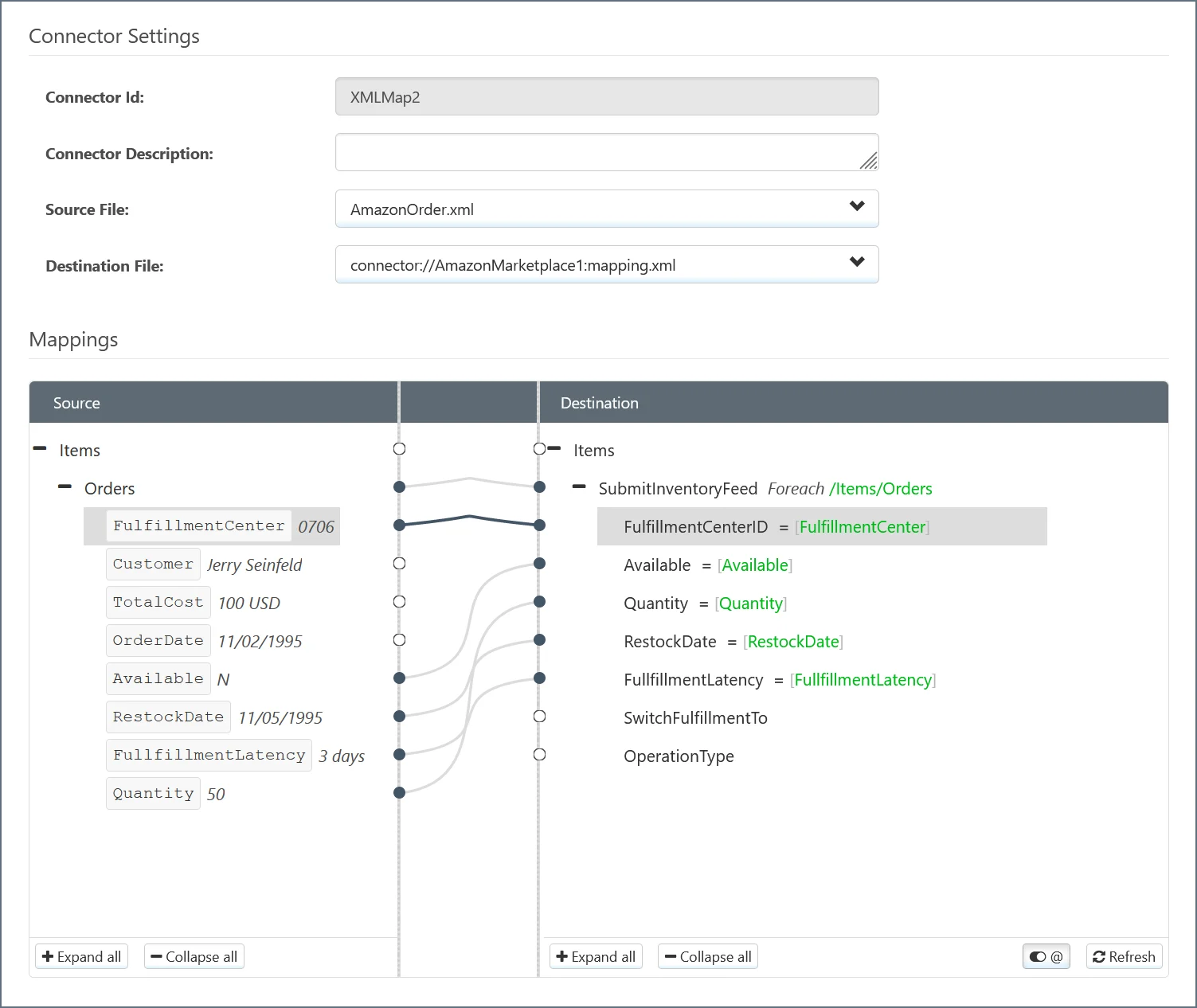
You must connect an [XML Map](../xml-map/xml-map) connector to the Amazon Marketplace connector and map the inventory update values. In the example below, the order information appears in the **Source** column, and the Amazon Marketplace inventory parameters appear in the **Destination** column.
 ## Connector Configuration
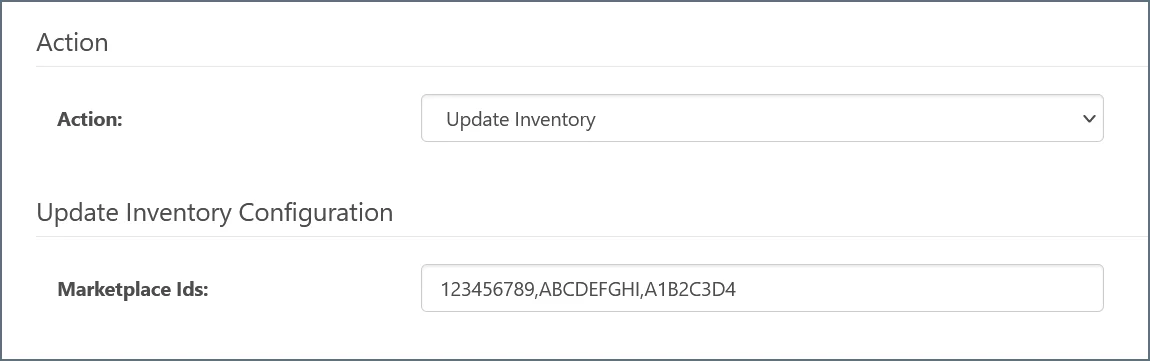
In the configuration pane for the Amazon Marketplace connector, enter a comma-separated list of **Marketplace Ids** for the items that you want to update.
## Connector Configuration
In the configuration pane for the Amazon Marketplace connector, enter a comma-separated list of **Marketplace Ids** for the items that you want to update.